
🚀 Turn PDFs, slides, videos, or ideas into a tutorial
Start from what you have, or from a clean slate. LearnPack will turn PDFs, slides, videos with transcripts, or even ideas into a structured, interactive course in minutes. Start small, iterate fast, and publish anywhere.PDFs
Convert a PDF into an interactive course.
Slides
Turn slides into a guided tutorial.
Videos
Build from a YouTube video + transcript.
Ideas
Start from scratch with AI.
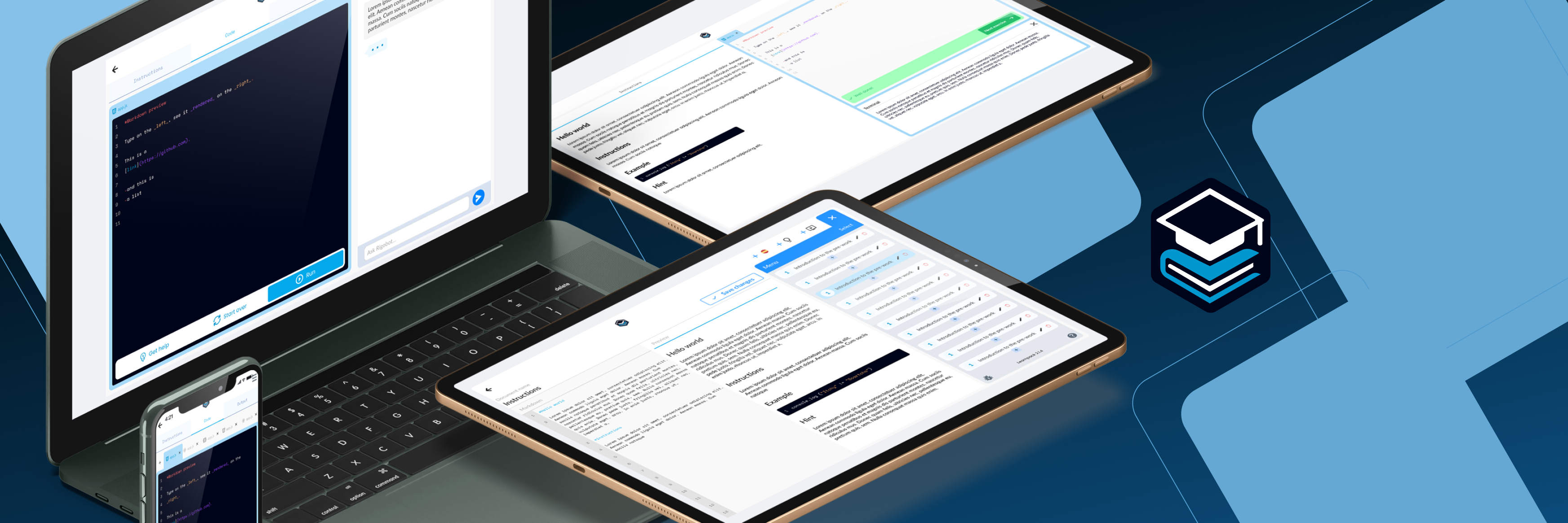
New here? Follow the quickstart below and you’ll have a course in ~5 minutes.
Start here
What is LearnPack
Overview of the platform and why it is different.
Quickstart (5 min)
Generate your first course and publish it.
Key Features & Benefits
Capabilities and proof points.
LearnPack vs Competition
Where LearnPack will stand out.
Build a course in four steps
1
Describe or upload
Start from a goal (what to teach/learn) or attach PDFs, slides, or videos (with transcript).
2
Generate the course
LearnPack drafts lessons, quizzes, and projects tailored to your objective.
3
Refine with AI
Ask to simplify, translate, or add a quiz/diagram/image anywhere.
4
Publish anywhere
Share a URL, export SCORM, or embed via iFrame.
Create from your material or from scratch
Create from Existing Material
Start from PDFs, slides, notes, or a YouTube video (with transcript).
Create from Scratch (AI-Assisted)
Begin with an idea and let AI scaffold lessons, quizzes, and visuals.
LearnPack’s AI Tutor (Rigobot) 🤖
Rigobot is the tutor inside every course. It will deliver a hyper-personalized learning experience with memory, context awareness, and guided reasoning.
Publish & export
Publish your course where your learners already are. LearnPack will let you share a public or private link, export SCORM for any LMS, embed via iFrame, or generate an ePub for offline reading. All exports preserve structure, assessments, and assets, so you keep the same learning experience with proper versioning and access control.Publish
Publish a LearnPack package
Share instantly with a public or private link.
Ghostwriting with LearnPack
AI-assisted authoring workflow for long-form content.
Export & embed
Export to SCORM / embed in LMS
Deliver inside enterprise LMS platforms via SCORM or iFrame.
Export to ePub
Package courses as eBooks for offline reading.
Create a book with LearnPack
Turn a course into a polished manuscript.
Use cases
- Teachers & Trainers
- Companies (HR & Training)
- Students
Help & Troubleshooting
Get help in minutes, not days. This section centralizes FAQs, common issues and solutions, and Contact support. You will find precise, versioned steps for setup, publishing, and integrations, plus the fastest path to the team when something needs hands-on assistance.FAQs
Quick answers to common questions.
Common issues and solutions
Fix typical setup or usage problems.
Contact support
Reach the team for assistance.
Ready to build?
Start now

Open LearnPack and create your first course in minutes.